* News about Mint

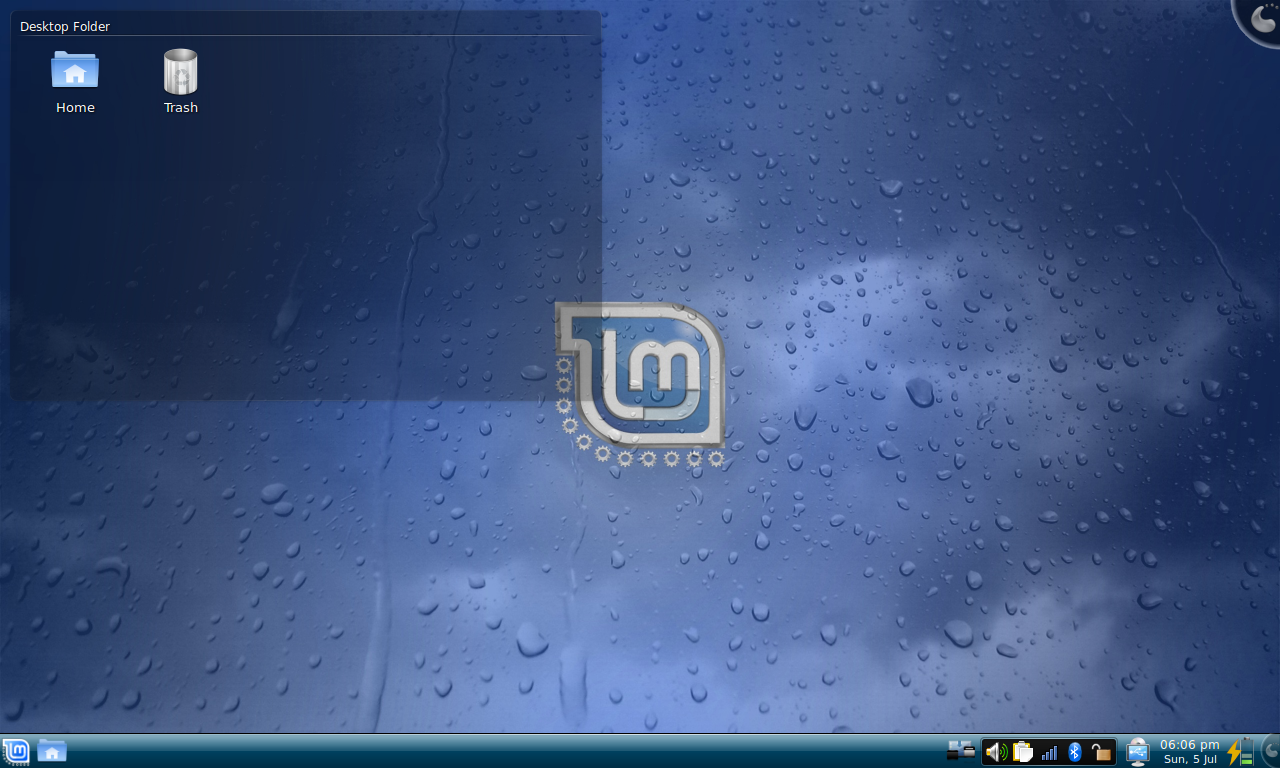
Linux Mint 7 “Gloria” XFCE RC1 released!

Firefox 3.5 available in Gloria and Firefox 3.0.12 also available through mintUpdate (security fixes)

Command line – improvements

We are changing our workflow and will use Launchpad and git –

As Mint grows we need tools to handle the growth (announcement in the blog)

Bugs on Launchpad

Blueprints on Launchpad – Blueprints for Helena

Translations in Launchpad (for Helena)

Code on github – mintUpload (and later perhaps more) is maintained by “emorrp1” – his github

I forgot to mention that we had large scale vandalism in the wiki – we have to lock it down until we can figure out a way to monitor edits

We also had two massive spam attacks in the forum – registered spam bots laying dormant since early May, late April. Can’t do much about it sadly

mintCast episode 19

* News about Linux

Microsoft contributes to the Linux kernel – possibly because of a violation of the GPL licence

Zero day attack code for the Linux kernel (No version used by Mint though – Mint is safe from this)

Gran Canaria Desktop Summit

Shuttleworth about GNOME 3.0 (and Ubuntu will stay brown)

The latest news about the kernel is always found here

* News about Open Source

Launchpad is now open source

* News about IT

Cloning passport card RFIDs in bulk for under $250 (link to Youtube) If you search for Chris Paget and Rfid you’ll fine a bunch of scary examples. And it’s not only passports – you can get a cloning device for less that will clone the rfid used for bus fares

PCs Used in Korean DDoS Attacks May Self Destruct

Microsoft admits new ActiveX zero-day bug

Imageshack Hacked

* Hardware news

* Other news

* Comic of the week

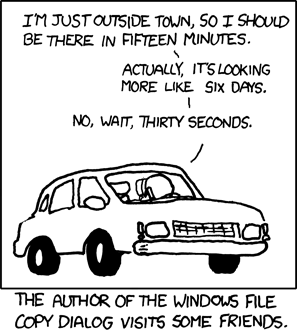
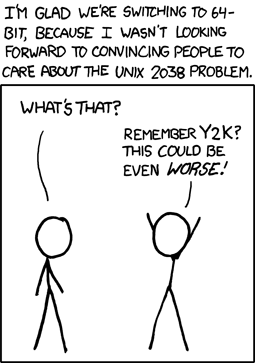
Credit goes to xkcd

* More about Linux Mint

How to donate

Home page

Blog The planet Wiki Forum Twitter Mintcast

* Editors comment

As always – if you find something I’ve missed in the newsletter please tell me – you can post a comment.

Enjoy life

Husse

We recently announced that Linux Mint was now using Launchpad for bug tracking. The decision was also taken to use Launchpad for blueprints and for translations.

We’re also starting to use code hosting and version control. Although Launchpad does that as well the decision here was to use github.

Development has started for Linux Mint 8 ‘Helena’ and mintUpdate in particular already features many of the planned improvements.

Thanks to Launchpad and Github it is now possible for me to show you what’s planned, what’s done, how it was done, but also to let you contribute code, bug reports, ideas and translations all throughout the development cycle.

So let’s have a look…

Blueprints

This page shows you what’s currently planned for Linux Mint 8 ‘Helena’:

https://blueprints.launchpad.net/linuxmint/helena

As you can see work has already started for some of the blueprints and some have already been implemented. New blueprints are likely to be added in the coming months and you can follow their status on that page.

If you have an idea and you’d like us to implement it (or at least consider it), you can submit a blueprint by visiting the link below and clicking on “Register a blueprint”:

https://blueprints.launchpad.net/linuxmint

Translations

Translations are done in Launchpad. For Linux Mint 8 ‘Helena’, it’s happening right here:

https://translations.launchpad.net/linuxmint/helena/

So far only mintUpdate is available. Other tools will appear on this page as they are adapted to Launchpad and to the specifications we designed for Linux Mint 8 ‘Helena’.

Bugs

You can report bugs and follow their status on this page:

https://bugs.launchpad.net/linuxmint

Code

Developers interested in following the evolution of the source code, and in the changes made to it can visit our github page:

http://github.com/linuxmint

At the moment only mintUpdate is available over there. Other tools and projects will appear on github as we start working on them for Linux Mint 8 ‘Helena’.

Note that mintUpload is now being developed by Philip Morrell and that his gitbub page is here:

http://github.com/emorrp1

If you know git, python, glade and there are changes you’d like to see in our tools, don’t hesitate to clone them, to hack the code and to point us to your git repository. We’ll be glad to consider them for inclusion and to eventually merge them back on the main branch.

——————

I wanted to talk about mintUpdate and how we’re improving it in Linux Mint 8 ‘Helena’, but you can already see that in the blueprints and even what’s been done so far both in terms of improvements and code changes. I’ll post about this tool in the near future and I’ll illustrate the improvements with screenshots and explanations. In the meantime, please help with translating it and don’t hesitate to get involved.

If you have git installed (“apt install git git-core”) you can download the latest development snapshot of mintUpdate by typing:

git clone git://github.com/linuxmint/mintupdate.git

This will download mintUpdate and place it in a “mintupdate” directory. Enter the directory and type “./test” to overwrite your version of mintUpdate with this one and launch it. Of course if you’re Italian (for instance) you could type “LANGUAGE=it ./test”, that would work as well 🙂

The team is proud to announce the release of Linux Mint 7 “Gloria” XFCE Community Edition RC1.

Quick steps:

  • Download the ISO or the torrent.
  • While it’s downloading look at the overview of the new features and make sure to quickly go through the known issues.
  • After the ISO is downloaded verify the MD5.
  • Burn the ISO at low speed and enjoy testing Linux Mint 7 XFCE RC1.
  • Send us your feedback and submit your bug reports in the dedicated bug thread.

Introduction to Linux Mint 7 XFCE:

The XFCE Community Edition aims to provide a version of Linux Mint which uses the XFCE desktop.

For a detailed overview of the new features and improvements included in Linux Mint 7 XFCE, please read “What’s new in Gloria XFCE?“.

System requirements:

A minimum of 3GB of free space and 256MB RAM are needed. For a comfortable experience we recommended to have at least 512MB RAM and 10GB of free space.

Important information and known issues:

For a complete list of known issues read the Release Notes.

The root password is now set as the same as the one chosen during the installation.

If you’re using Mint tools in other distributions, make sure to turn off the adjustment system by editing /etc/linuxmint/mintSystem.conf.

Download Linux Mint 7 XFCE RC1:

You can download the XFCE Edition via torrent or via HTTP:

Size: 693MB LiveCD

MD5Sum: 9a34d2f80337a6bc3a5e92c690d36499

Torrent download: http://www.linuxmint.com/torrent/LinuxMint-7-XFCE-RC1.iso.torrent
HTTP download: http://www.linuxmint.com/edition.php?id=43

Asia:

Europe:

Northern America:

Oceania:

Upgrade instructions:

Upgrade instructions will be published with the stable release.

Feedback and bug reports:

Please report any bug you may find via the Linux Mint 7 XFCE RC1 Bug Thread and give us your feedback on this release by posting a comment right here on the blog.

Enjoy!

Have a lot of fun testing this release candidate and let’s all hope it will help us make a great stable release.