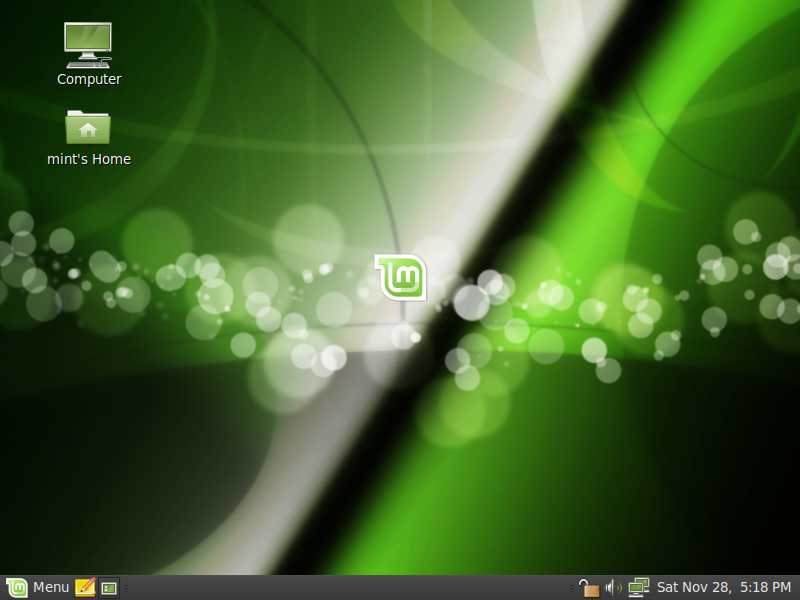
Helena was reviewed by Mike Johnston from Linux Critic:
http://linuxcritic.com/stories/43-Linux-Mint-8-Review-and-Commentary.html
Happy reading everyone.
Comments:
Mike wrote: “Linux Mint has turned into such a popular system, in fact, that a lot of people wait for it to come out as opposed to adopting the latest Ubuntu release.”
–> Most users do, but a small part of our user base also runs Ubuntu during the month separating the releases of the two distributions, or at least until our RC releases come out. For instance, our traffic share on Distrowatch was 4.1%, it dropped to 3.5% after Ubuntu 9.10 was released, and is now at 4.4% a few days after Helena’s release. Between 10 and 15% of Mint users usually jump on the latest releases, including Ubuntu releases and Mint release candidates.
Mike wrote: “Personally, I prefer this menu style over the existing Gnome default and find it both easy to navigate and well organized. Hovering over an option opens its submenu and all of the main apps are easily accessible. Of course, if this isn’t for you, it can be removed and replaced with the Gnome defaults with minimal effort.”
–> It also comes with advanced features such as filtering and software management. You can use it to launch applications without the mouse, to remove software installed on your system or even to install new applications. The concept of this menu originally came from SUSE and was adapted to Ubuntu by a project called USP. We forked it a few years ago and we add new features to it with every release. For instance, in Linux Mint 8 Helena, you can now define shortcuts to your own custom places.
Mike wrote: “Just like Ubuntu 9.10 brought about a revised software manager (see our Ubuntu 9.10 Review) so does Linux Mint. They have taken it one step further, however, by introducing voting and popularity to the software manager.”
–> I don’t want to be too controversial about this, but I think the Ubuntu Software Store comes short of what we had in our previous release and I think it’s a pity Ubuntu didn’t learn from our experience in that regard. They do have interesting ideas though and I’m sure this application will get better and better with time. Popularity and reviews were already there. What we introduced in this release is the ability to select multiple applications and to remove them from the system. What’s for sure is that software management is going to be improved significantly in both Ubuntu and Linux Mint in the near future.
Mike wrote: “The voting mechanism is a nice addition as well and the integrated reviews can assist new users in deciding which package may best suit their needs.”
–> Votes and reviews are made online on the Linux Mint Software Portal (http://www.linuxmint.com/software) but they appear also within the application. In Linux Mint 9 we’re planning on giving users the ability to vote and review applications straight from the Software Manager. We’re also planning on bringing “applications” one step closer to “packages”. One of the main reason why experienced users prefer to use Synaptic is because they can’t find “everything” in the Software Manager, so the idea in future releases will be to consider each “package” as its own “application” and to enrich theses “packages” with information related to which “application” they relate to. For instance, “googleearth” really is “Google Earth”, it has screenshots, people have opinions about it and as a user, you have an opinion about it.. it’s a package but it’s also an application, novice users like to deal with applications, experienced users like to find the packages they’re looking for, and so we’ll try to make the distinction between the two more subtle by letting people interact with every package while making it easy for people to find the applications they’re looking for…. I’m not sure I’m explaining this right… anyway, it’s a big thing, it’s going to work and it’ll significantly improve software management in Linux Mint 9. In the meantime, the Ubuntu Software Store will also innovate (I think Canonical is thinking of bringing update management into it) and we’ll learn from it as much as we can.
Mike wrote: “Software selection is a bit minimal in comparison to the Ubuntu software manager (they are of course all compatible but less are shown in the software manager on the mint side of things).”
–> We’ll be adding more software very soon. For instance, I recently got in contact with 2D Boy and we agreed on the inclusion of the demo version of their game, World of Goo, within the Linux Mint repositories, the software portal and of course the Software Manager. That’s just one aspect to it of course and I understand that there is less choice of applications in the Software Manager than in the Ubuntu Software Store, or the Synaptic Package Manager. It’s incredible how many quality applications are developed for Linux and many of them aren’t known at all. We’ve started implementing the reviewing system to give users a voice and to let them tell each others what they like, we’ll improve it, and we’ll widen the range of available software by including all packages within the Software Manager and by continuing to import new applications within our repositories. We’re actively innovating in that area, Canonical recently joined the game with their Ubuntu Software Store, a huge number of ideas were put on the paper and both projects understand the importance of this so expect to see big improvements in both distributions very soon.