
It is now possible to upgrade the Cinnamon and MATE editions of Linux Mint 17, 17.1 and 17.2 to version 17.3.

If you’ve been waiting for this I’d like to thank you for your patience.

Upgrade for a reason

“If it ain’t broke, don’t fix it”.

You might want to upgrade to 17.3 because some bug that annoys you is fixed or because you want to get some of the new features. In any case, you should know why you’re upgrading.

As excited as we are about 17.3, upgrading blindly for the sake of running the latest version does not make much sense, especially if you’re already happy and everything is working perfectly.

Make sure to read the release notes and to known the new features so you have all the information you need before deciding whether you want to upgrade.

Be selective with updates

Upgrading to 17.3 will upgrade to Rosa of course, but also apply all level 1 updates for you.

You do not need to apply level 2, 3, 4 or 5 updates to upgrade to the new version of Linux Mint, and doing so won’t apply these for you.

Level 4 and 5 updates are not recommended unless they bring solutions to issues you’re facing. Level 3 updates should be applied selectively and with caution.

Enjoy

Upgrading to 17.3 is relatively easy.

In the Update Manager, click on the Refresh button to check for any new version of mintupdate and mint-upgrade-info. If there are updates for these packages, apply them.

Launch the System Upgrade by clicking on “Edit->Upgrade to Linux Mint 17.3 Rosa”.
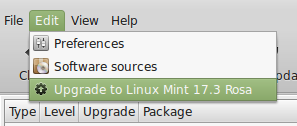
Follow the instructions on the screen.
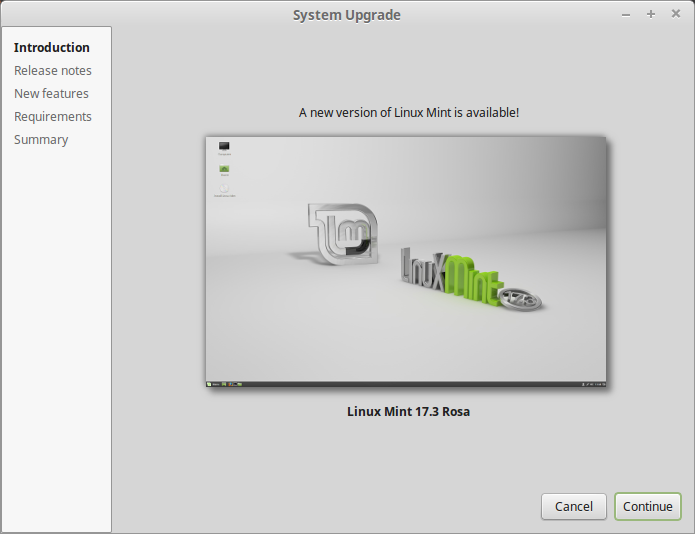
Once the upgrade is finished, reboot your computer.

Additional info

  • The same upgrade path will be available for the Xfce and KDE editions, after they are released as stable 17.3.
  • Although Linux Mint 17.3 features a newer kernel, this upgrade does not change the kernel on your behalf. This is a decision only you should take. Should you decide to upgrade to 17.3’s recommended kernel you can do so by applying the “linux-kernel-generic” update, post-upgrade.
  • Your grub menu won’t be automatically updated on your behalf. After you rebooted the computer, you can trigger that update with the following command: “sudo update-grub”.
  • It is recommended to disable the screensaver before upgrading. If the screensaver activates during the upgrade and you’re unable to log back in, switch to console with CTRL+ALT+F1, log in, and type “killall cinnamon-screensaver” (or “killall mate-screensaver” in MATE). Use CTRL+ALT+F7 or CTRL+ALT+F8 to get back to your session.
  • Linux Mint 17.3 uses Ubuntu Vivid’s Xorg/MESA stack and Virtualbox guest support compiled against it. This upgrade doesn’t not impact the Xorg/MESA stack you’re already using on your system and it does not upgrade your Virtualbox guest support (which is conveniently marked as a dangerous level 5 updates after you ugprade). Post-upgrade you’ll also see new versions of ubuntu-drivers-common and bcmw-kernel-source as level 3 updates in the Update Manager. They respectively improve support for NVIDIA prime and Broadcom chipsets. Please upgrade these these with caution.
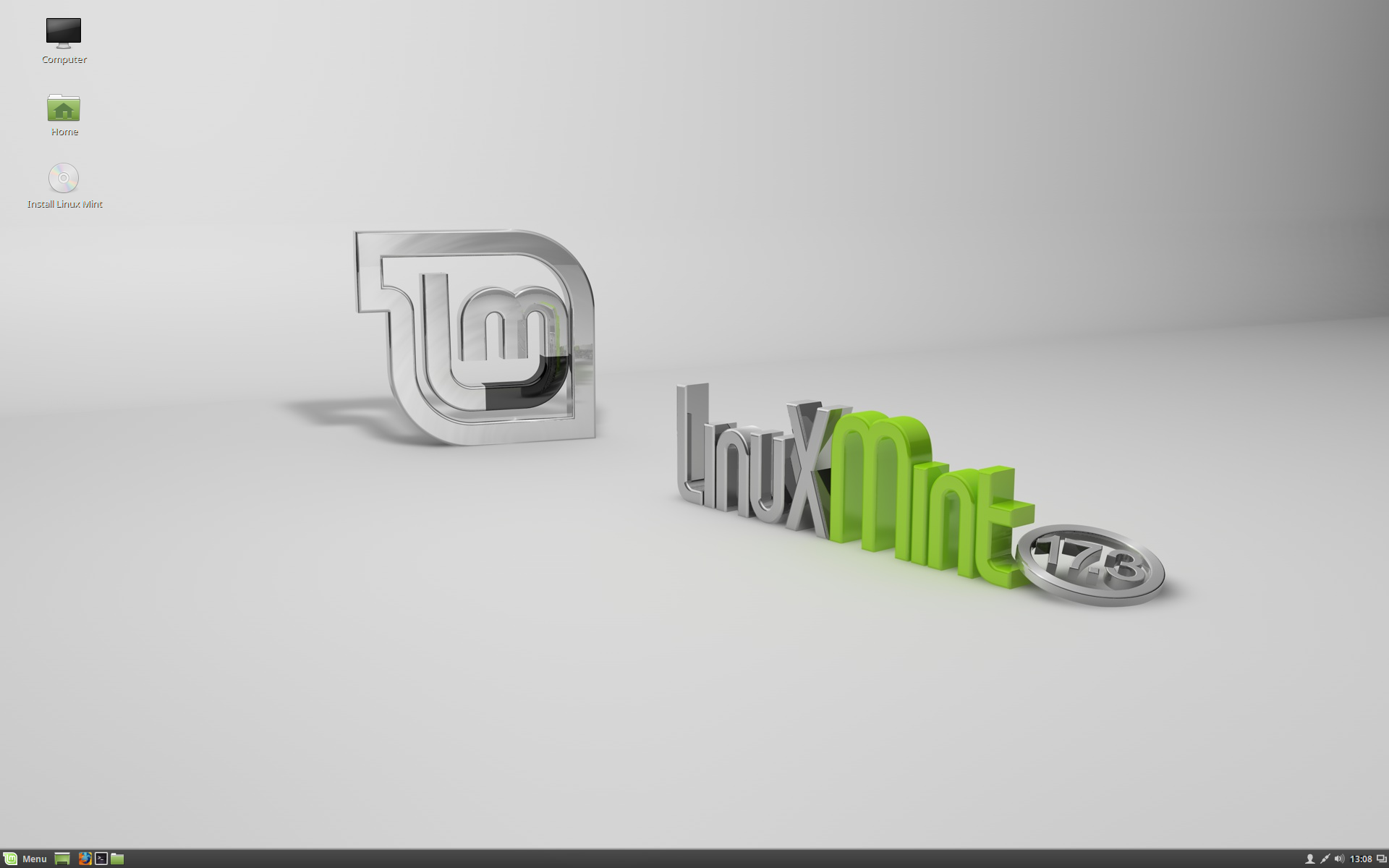
The team is proud to announce the release of Linux Mint 17.3 “Rosa” Cinnamon Edition.

Linux Mint 17.3 Rosa Cinnamon Edition

Linux Mint 17.3 is a long term support release which will be supported until 2019. It comes with updated software and brings refinements and many new features to make your desktop even more comfortable to use.

New features:

This new version of Linux Mint contains many improvements.

For an overview of the new features please visit:

“What’s new in Linux Mint 17.3 Cinnamon“.

Important info:

The release notes provide important information about known issues, as well as explanations, workarounds and solutions.

To read the release notes, please visit:

“Release Notes for Linux Mint 17.3 Cinnamon”

System requirements:

  • 512MB RAM (1GB recommended for a comfortable usage).
  • 9GB of disk space (20GB recommended).
  • Graphics card capable of 800×600 resolution (1024×768 recommended).
  • DVD drive or USB port.

Notes:

  • The 64-bit ISO can boot with BIOS or UEFI.
  • The 32-bit ISO can only boot with BIOS.
  • The 64-bit ISO is recommend for all modern computers (Almost all computers sold in the last 10 years are equipped with 64-bit processors).

Upgrade instructions:

  • To upgrade from the BETA, simply launch the Update Manager and install any Level 1 update available.
  • To upgrade from Linux Mint 17, 17.1 or 17.2, please wait for a few days while we release a new version of the Update Manager to you. In the meantime, you do not need to download or to reinstall anything. We’ll make announcements next week when this is ready.

Direct download:

64-bit:

32-bit:

Torrent download:

Signatures (to verify your downloaded ISO):

Alternative downloads:

No-codecs images:

Distributors and magazines in Japan, USA and countries where distributing media codecs is problematic can use the “No Codecs” ISO images.  These images will be made available next week in 32-bit and 64-bit at the following address:

http://www.linuxmint.com/release.php?id=26

OEM images:

Manufacturers can pre-install Linux Mint on their computers using the OEM installation images. These images will be made available next week, in 64-bit at the following address:

http://www.linuxmint.com/release.php?id=26

Enjoy!

We look forward to receiving your feedback. Thank you for using Linux Mint and have a lot of fun with this new release!

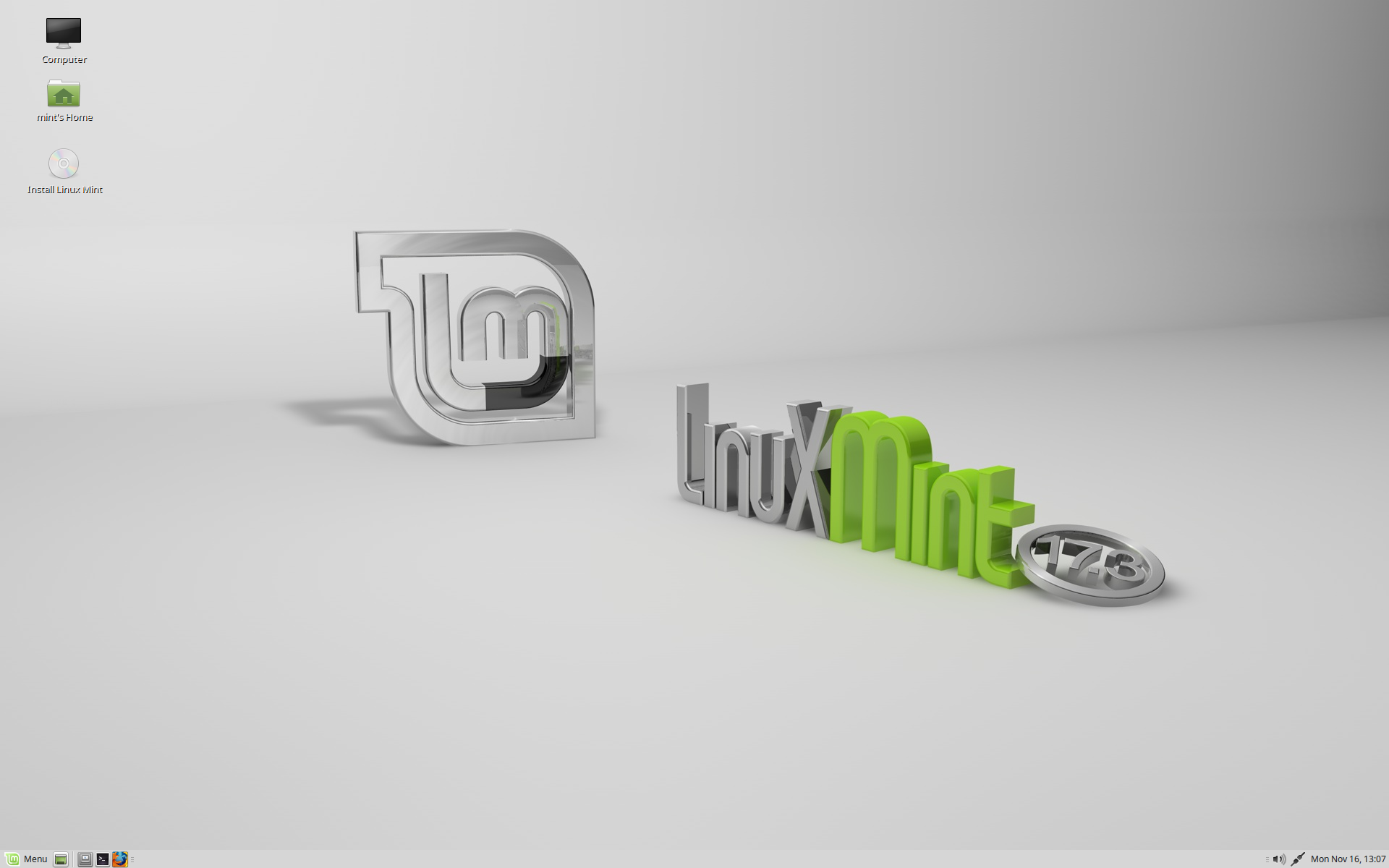
The team is proud to announce the release of Linux Mint 17.3 “Rosa” MATE Edition.

Linux Mint 17.3 Rosa MATE Edition

Linux Mint 17.3 is a long term support release which will be supported until 2019. It comes with updated software and brings refinements and many new features to make your desktop even more comfortable to use.

New features:

This new version of Linux Mint contains many improvements.

For an overview of the new features please visit:

“What’s new in Linux Mint 17.3 MATE“.

Important info:

The release notes provide important information about known issues, as well as explanations, workarounds and solutions.

To read the release notes, please visit:

“Release Notes for Linux Mint 17.3 MATE”

System requirements:

  • 512MB RAM (1GB recommended for a comfortable usage).
  • 9GB of disk space (20GB recommended).
  • Graphics card capable of 800×600 resolution (1024×768 recommended).
  • DVD drive or USB port.

Notes:

  • The 64-bit ISO can boot with BIOS or UEFI.
  • The 32-bit ISO can only boot with BIOS.
  • The 64-bit ISO is recommend for all modern computers (Almost all computers sold in the last 10 years are equipped with 64-bit processors).

Upgrade instructions:

  • To upgrade from the BETA, simply launch the Update Manager and install any Level 1 update available.
  • To upgrade from Linux Mint 17, 17.1 or 17.2, please wait for a few days while we release a new version of the Update Manager to you. In the meantime, you do not need to download or to reinstall anything. We’ll make announcements next week when this is ready.

Direct download:

64-bit:

32-bit:

Torrent download:

Signatures (to verify your downloaded ISO):

Alternative downloads:

No-codecs images:

Distributors and magazines in Japan, USA and countries where distributing media codecs is problematic can use the “No Codecs” ISO images.  These images will be made available next week in 32-bit and 64-bit at the following address:

http://www.linuxmint.com/release.php?id=26

OEM images:

Manufacturers can pre-install Linux Mint on their computers using the OEM installation images. These images will be made available next week, in 64-bit at the following address:

http://www.linuxmint.com/release.php?id=26

Enjoy!

We look forward to receiving your feedback. Thank you for using Linux Mint and have a lot of fun with this new release!